Dashboard
The HaLOS dashboard is powered by Homarr, an application launcher that gives you a single place to access all installed services.
How it works
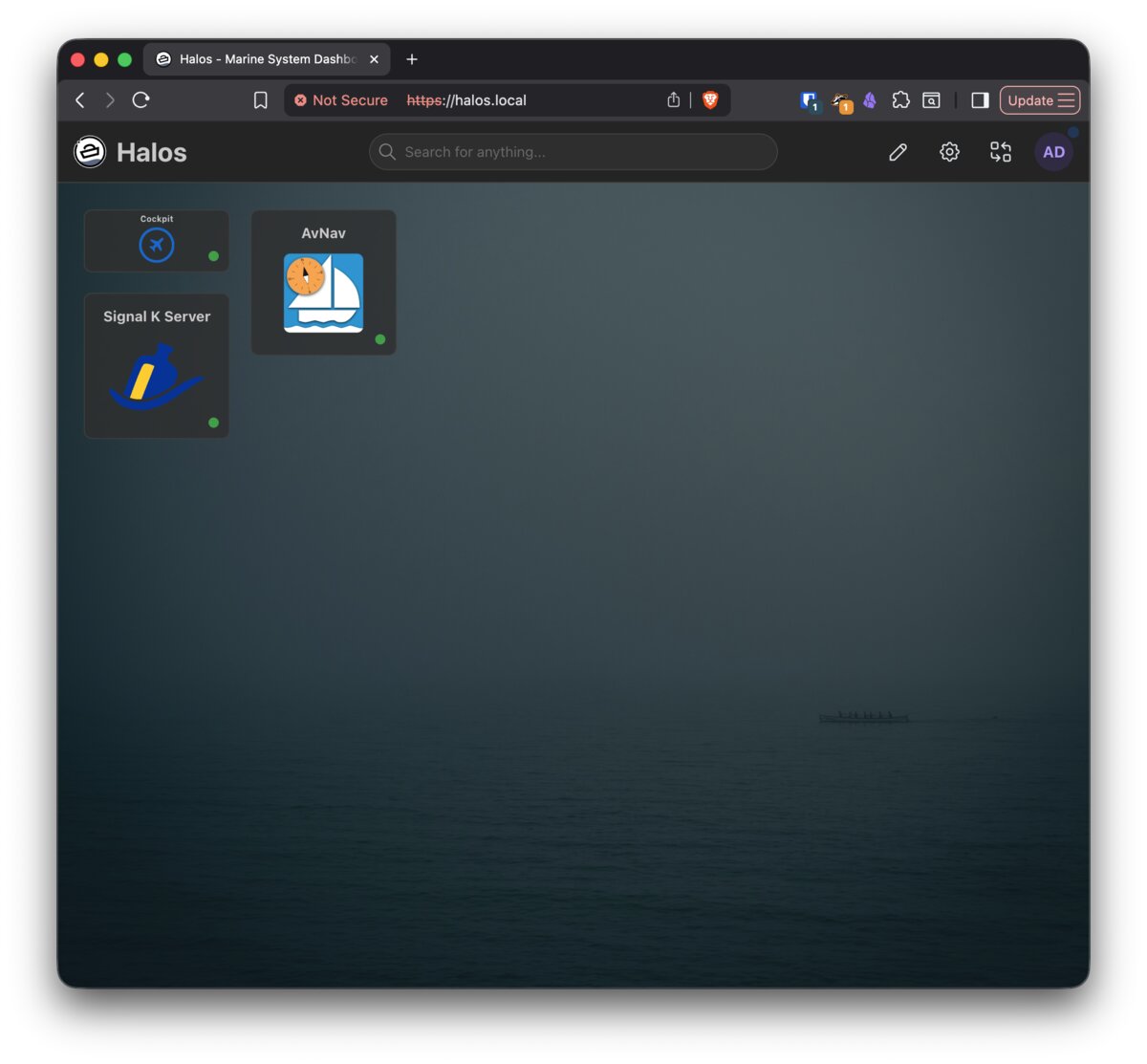
The dashboard shows a tile for each installed application. Tiles display the app name, icon, and a link to its web interface.
Apps appear automatically. When you install a container app, the homarr-container-adapter service detects the new container and adds it to the dashboard. When you remove an app, its tile disappears. No manual configuration needed.
The adapter discovers containers by looking for homarr.* Docker labels:
labels:
  homarr.enable: "true"
  homarr.name: "My App"
  homarr.url: "https://halos.local/my-app/"
  homarr.category: "Tools"
All HaLOS container packages include these labels, so every installed app shows up on the dashboard.
Using the dashboard
- Open an app: Click any tile to open that application.
- Categories: Apps are grouped by category (System, Monitoring, Marine, etc.).
- Status: Tiles indicate whether the underlying container is running.
Customization
Homarr supports layout and appearance customization through its built-in settings:
- Rearrange tiles: Drag and drop tiles to change their position.
- Themes: Switch between light and dark themes.
- Layout: Adjust the grid layout and tile sizes.
Access Homarr settings through the gear icon in the dashboard interface.
Note
HaLOS applies custom branding (logo, colors) to Homarr via the halos-homarr-branding package. These defaults can be overridden through the Homarr settings.